


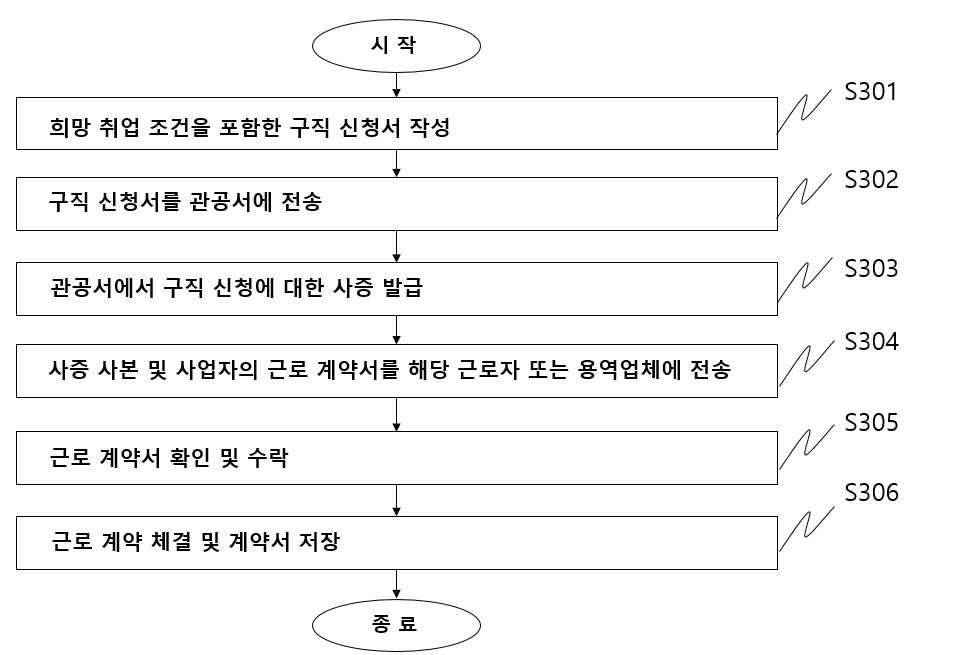
This is the “Results” section of our revised business plan. We wrote that, following Slush, we were discussing possible collaborations with at least five foreign companies.
2019 · Singapore and Helsinki
In Singapore as a student.
In Helsinki as a founder.
In Singapore, I was there to learn about the local companies. As part of a university company-visit program, I went to the startup hub BLOCK71 and met company representatives. The report I wrote afterwards received an award for excellence (최우수상) from the university’s industry–academic cooperation center that September.
In Helsinki that November, I was introducing my own company. I met representatives from overseas companies at the startup event Slush. By the time I revised our business plan after returning to Korea, we were discussing possible collaborations with at least five foreign companies.
Slush 2019 · A view of the venueNovember 22, 2019 · Helsinki
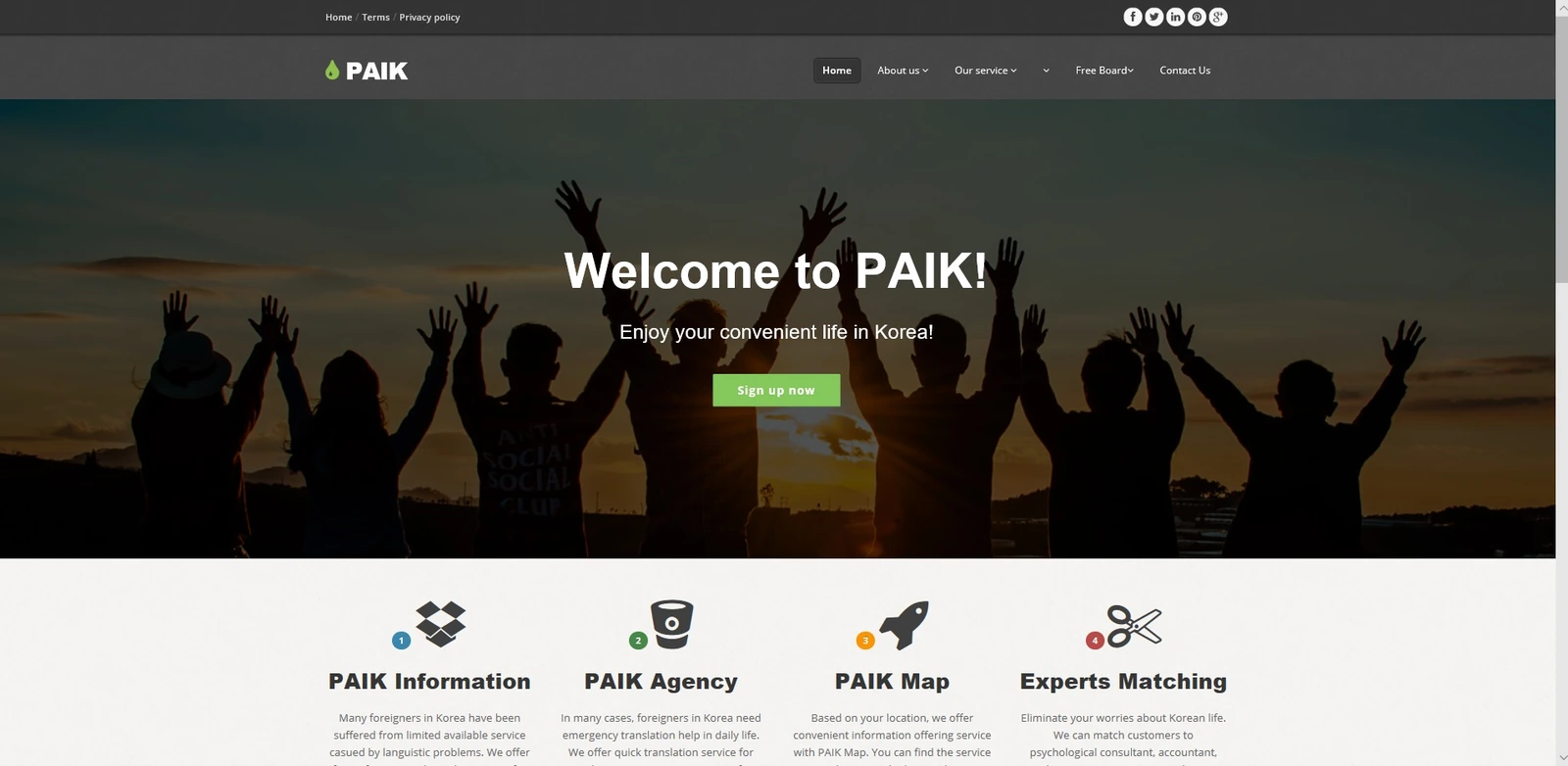
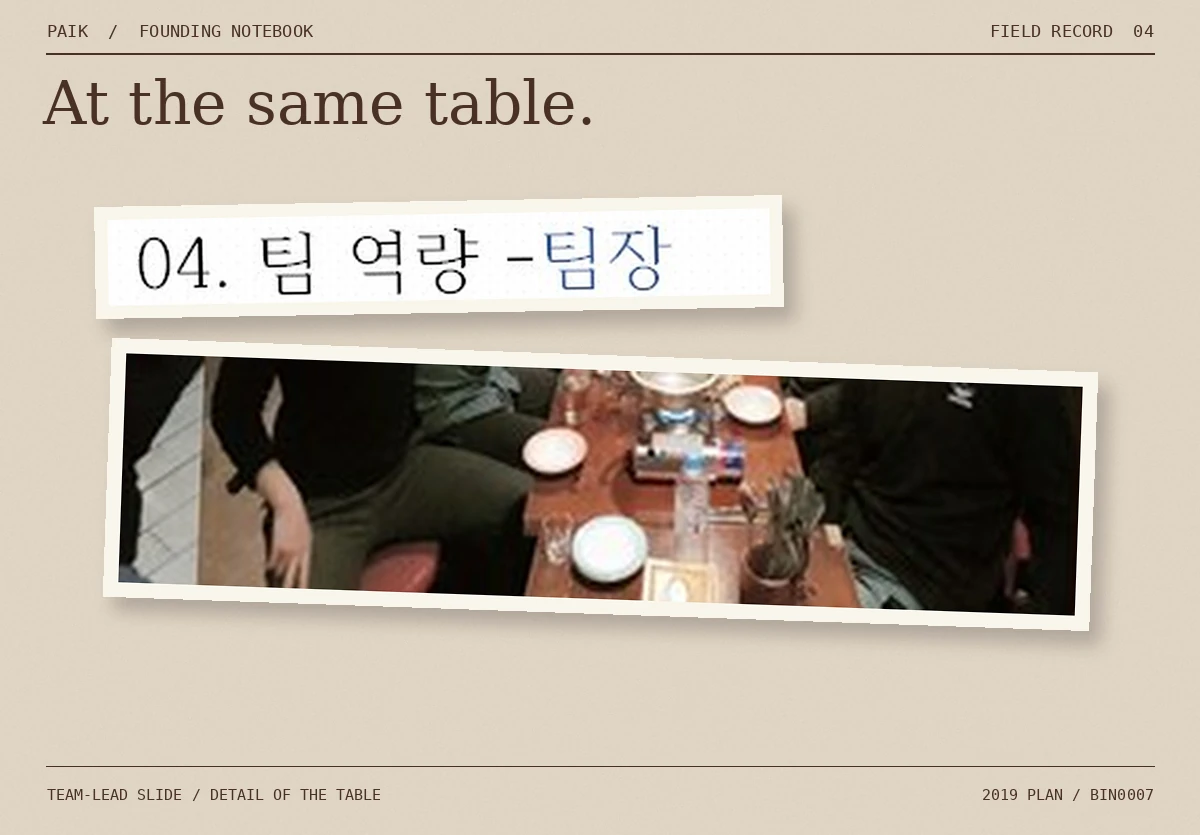 PAIK2019 business plan · Team leader profile
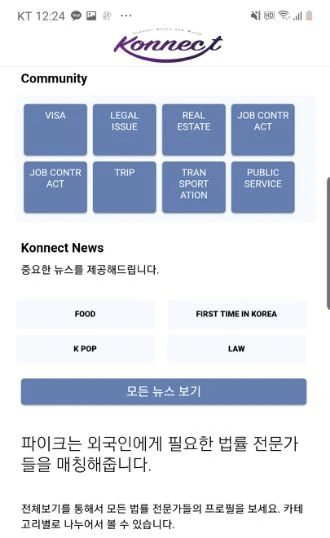 Konnect2020 revision · Community menus
 ALLKORegional cherry-blossom guide cover ↗
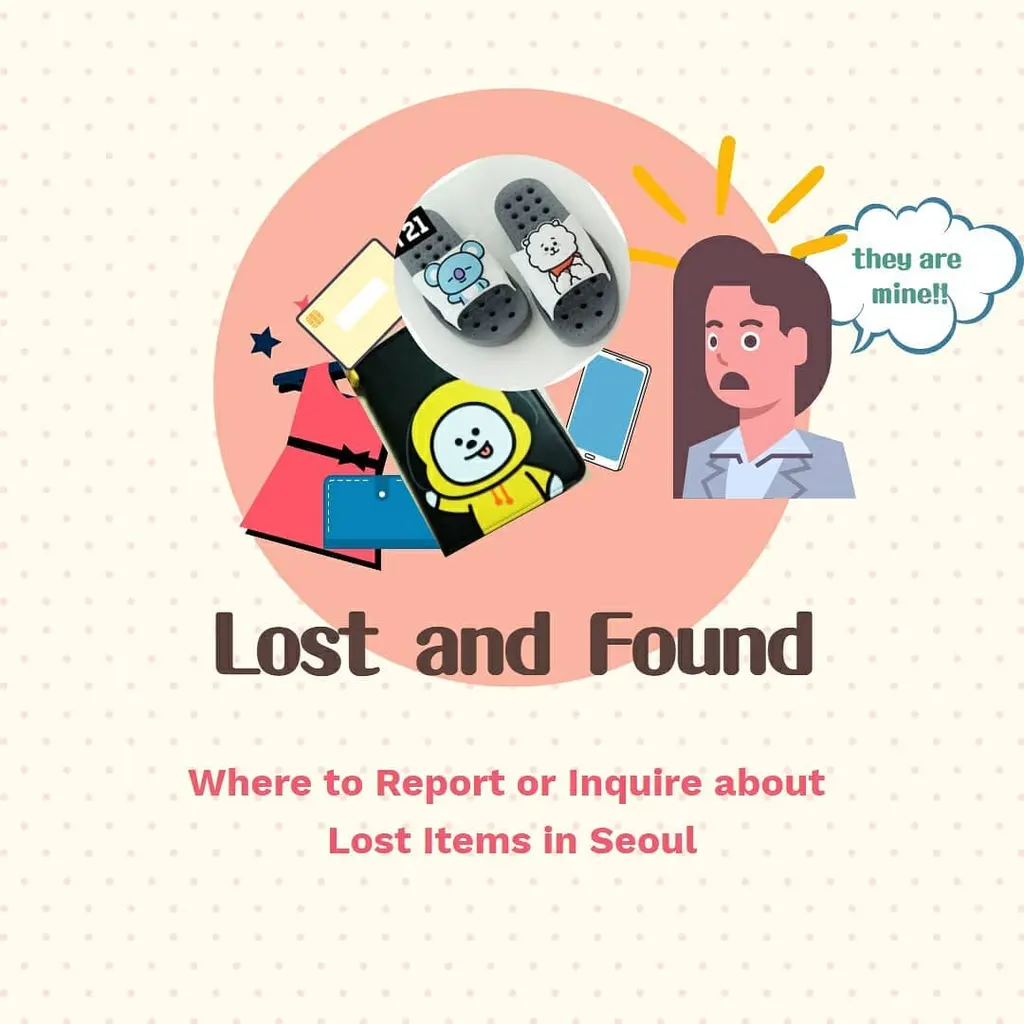


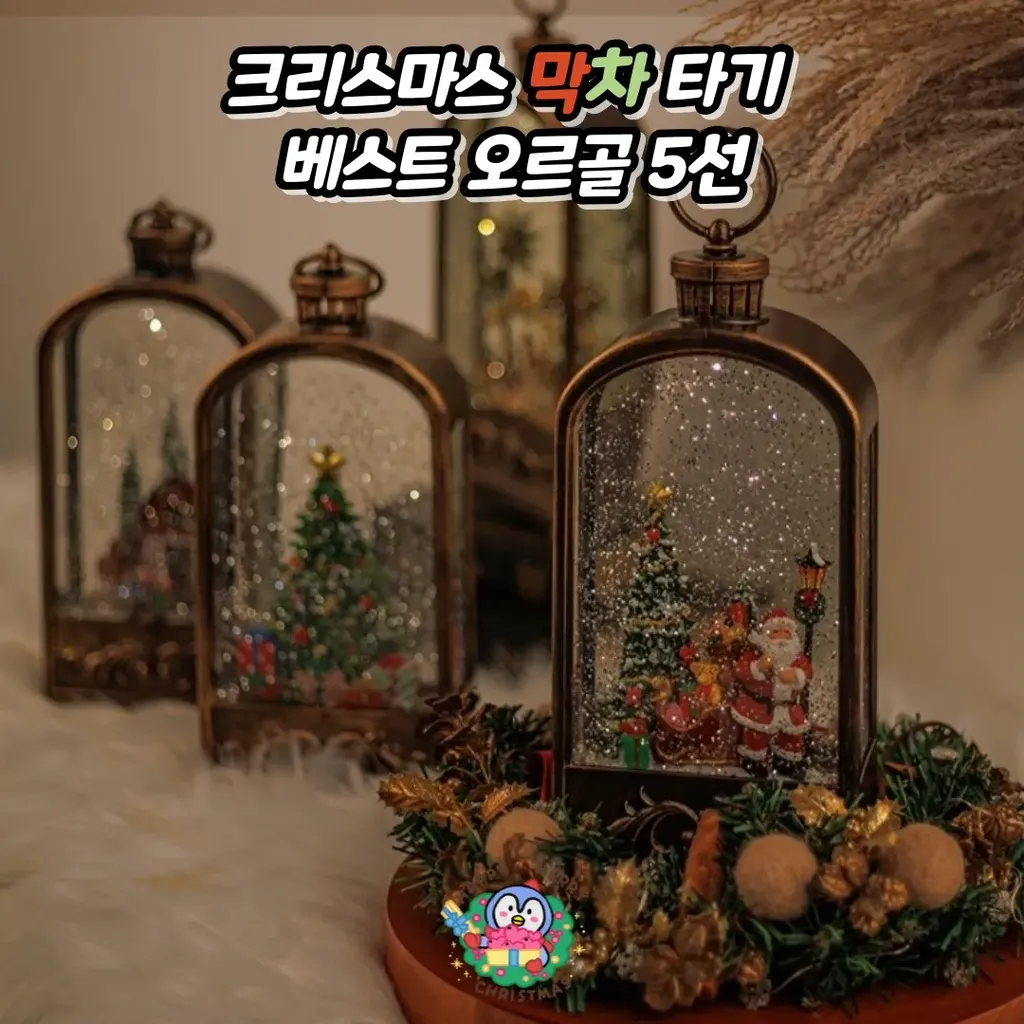
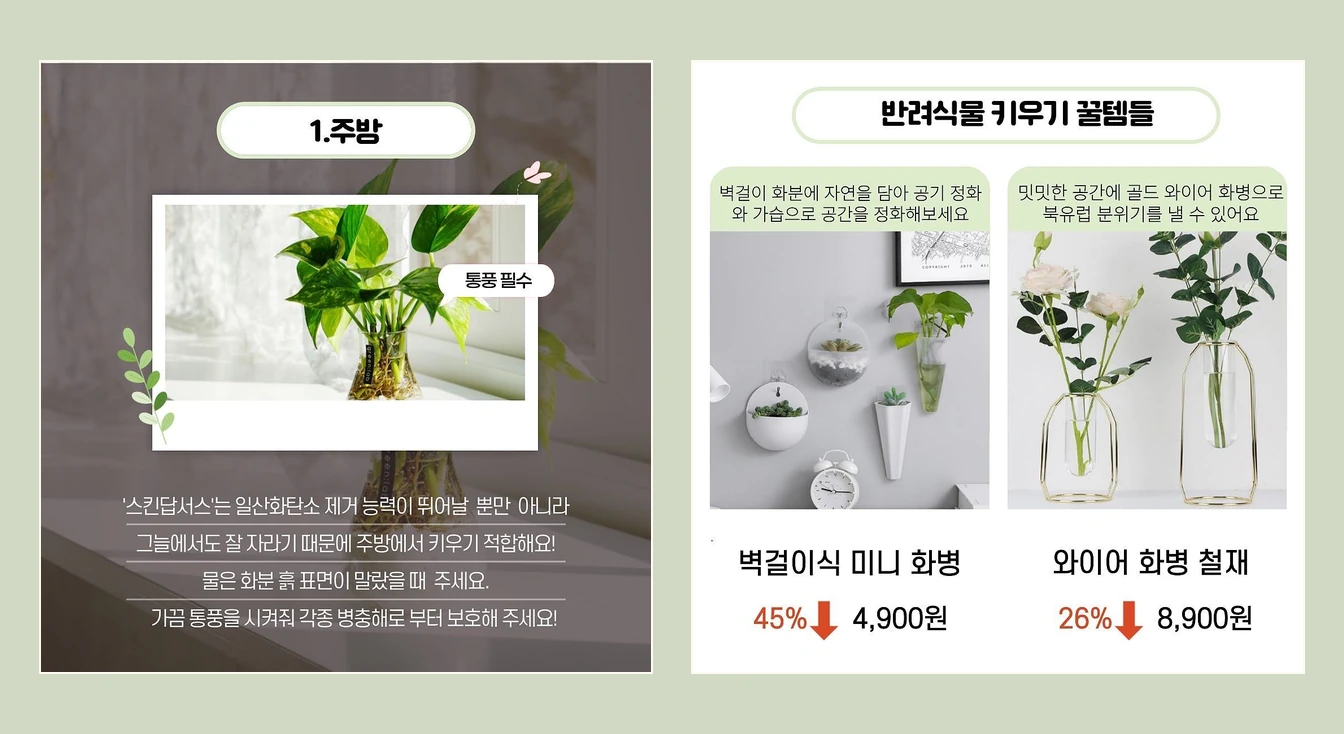

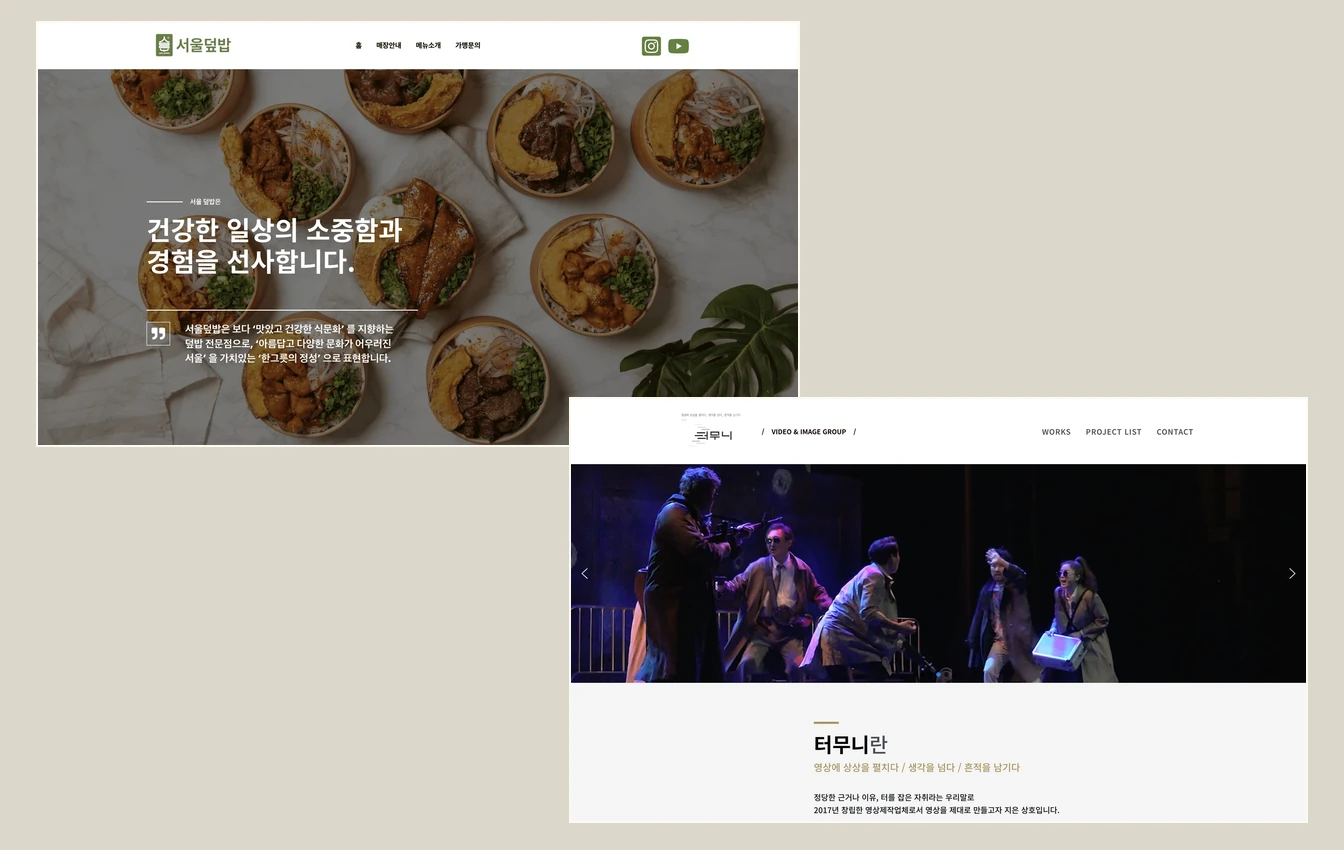






Content and channel management / Selected posts
Everyday guides,
in slides and short videos
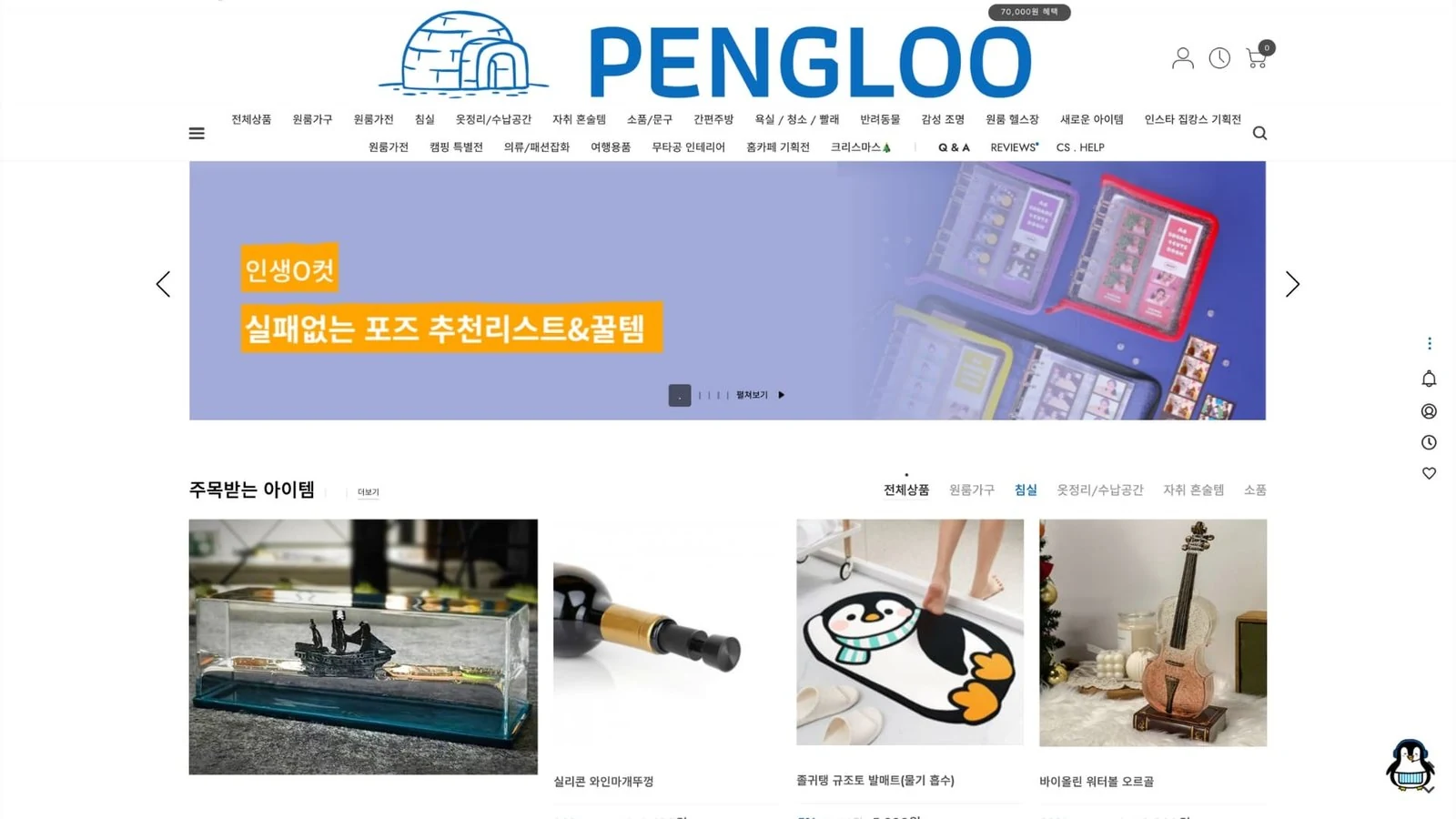
For Oneroom Penguin, I covered what to check when viewing a room and ways to save on cinema tickets. On PAIK’s ALLKO account, we explained banking and living costs in Korea in English. I chose slides or video to suit the topic and the people reading.
Oneroom Penguin
I wanted Oneroom Penguin’s posts to be useful even when someone wasn’t shopping. I shared a checklist for viewing a room, ideas for photo booth poses, and ways to save on cinema tickets.
About 14,000 views
The same film, for less
I made a 46-second video explaining how to get discounted cinema tickets. Posted between product features, this practical guide received about 14,000 views.
Watch the reel on Instagram ↗266 likes · 34 comments
Photo booth poses for two
I collected illustrated poses: making a heart with both people’s arms, or joining two hand hearts. The last slide invited readers to tag a friend: “@@ Let’s try this pose together!”
View the post on Instagram ↗A checklist to take to a room viewing
Does the room get daylight? Is the water pressure good? What do the pipes under the sink look like? I put the checks into four slides that readers could swipe through on their phones while viewing a room. Enlarge the cover and checklist ↗
View the post on Instagram ↗PAIK · ALLKO
For someone new to Korea, even the cost of groceries or the documents needed for a bank account can be unfamiliar. Our PAIK team gathered those questions and answered them in English. We also explained the jokes that Korean friends were laughing at.
280 likes · 9 comments
Cooking at home or eating out in Seoul
We compared grocery prices with the cost of a restaurant meal. The prices were from 2020, with quantities such as one litre of milk or a dozen eggs so readers abroad had something clear to compare.
View the post on Instagram ↗Opening a first bank account in Korea
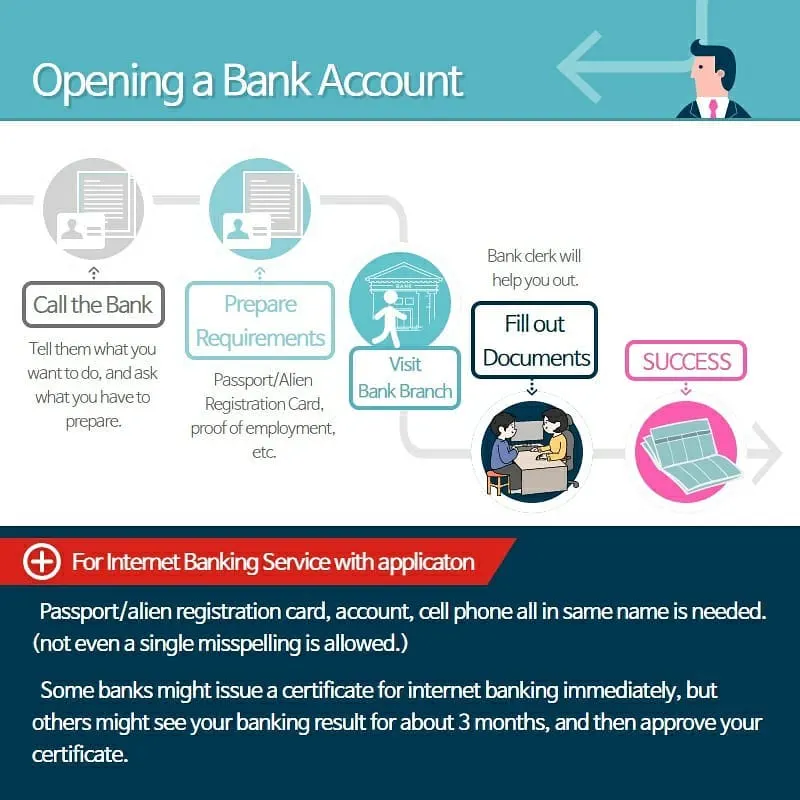
A request for help with Korean banking prompted this post. We broke the process into illustrations and short English sentences: call the bank, ask what to bring, then visit the branch with the documents. The guide started with the steps to take before reaching the counter.
View the post on Instagram ↗Explaining a Korean pun in English
“What is a sleepyhead’s favourite brand?” The answer is Zara. In Korean, jara sounds like the brand name and also means “go to sleep” when said informally. The next slide revealed the answer and explained in English why you would not use that wording with just anyone.
View the post on Instagram ↗Instagram figures as displayed: reel views on 31 October 2026; likes and comments on 1 November 2026.
Developer education content in progress